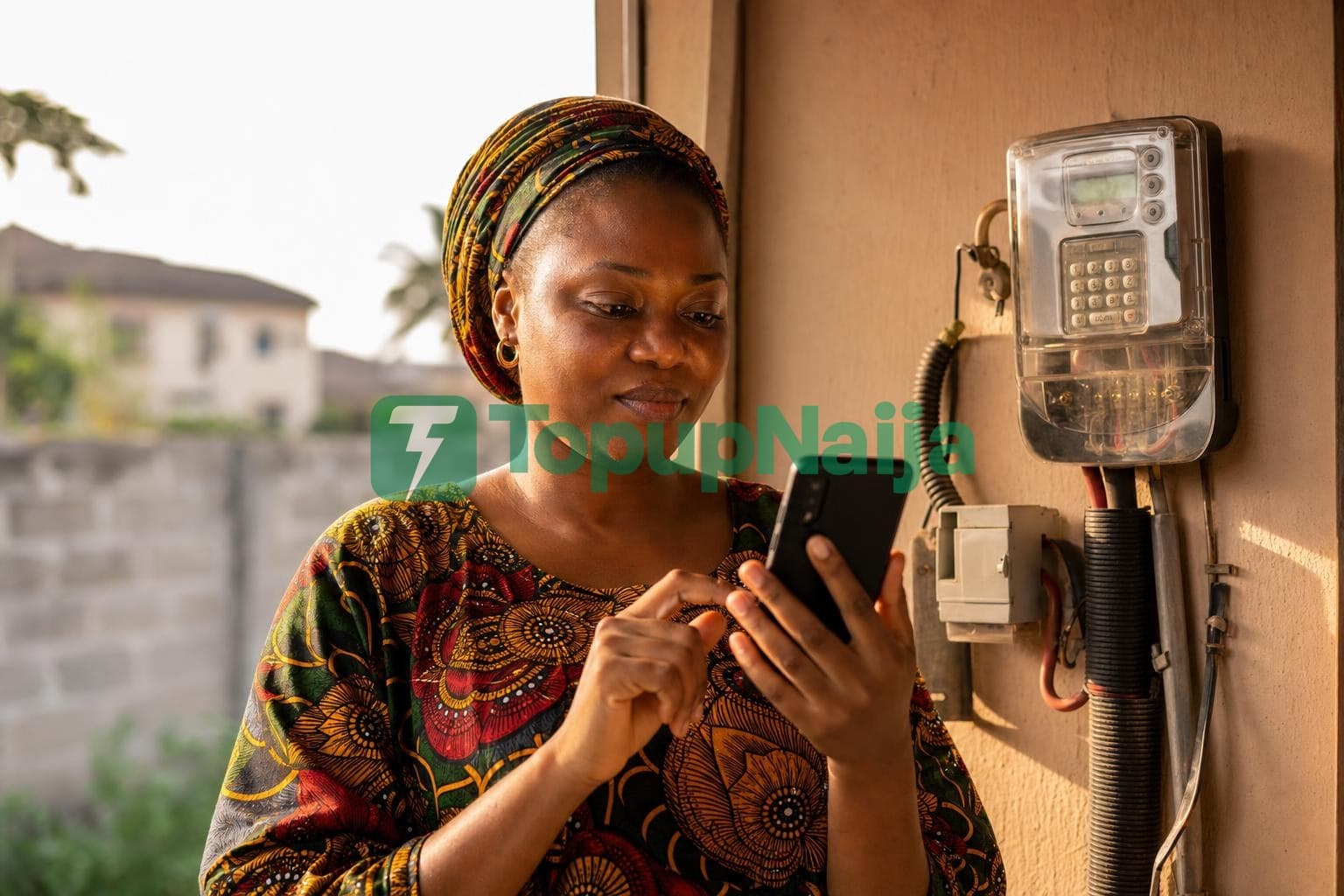
Buying electricity tokens online is usually smooth, but every now and then, something goes wrong. The token does not enter, the meter rejects it, or no token arrives at all. Do not panic. Most of these issues have simple fixes. Here is a guide to the most common electricity token errors and how to resolve them when using TopupNaija.ng.
Error 1: "Invalid Token" on your meter.
This usually means one of three things: you mistyped a digit, you bought the token for the wrong meter number, or you typed an older token by mistake. Carefully retype the token. If it still fails, contact TopupNaija support with your transaction ID.
Error 2: Token received but meter rejects it.
This can happen if your meter is offline from the Disco's system, or if there was a sync issue. Try the token again after a few minutes. If still rejected, the Disco can reissue it. TopupNaija can help facilitate this.
Error 3: No token received after payment.
Sometimes there are delays in token generation at the Disco end. Wait 5 to 10 minutes. Check your email, SMS and the TopupNaija transaction history. If still missing, contact support. Refunds or reissues are processed quickly.
Error 4: Wrong customer name displayed.
If the name showing on the verification screen does not match your account, do not pay. It means you entered the wrong meter number. Confirm the correct one with your Disco or check your last receipt.
Error 5: KCT or key change tokens needed.
If your meter was recently configured or moved, the Disco may issue additional key change tokens. Enter the KCT tokens first before your main token.
Error 6: Three-phase meter compatibility.
For some three-phase meters, ensure you have selected the correct meter type during purchase. Single-phase tokens may not work properly.
Error 7: Network failure during transaction.
If your transaction fails due to network issues, your money is not lost. It either reverses automatically or stays in your wallet for retry.
General tips to avoid token wahala:
- Save your meter number to avoid retyping mistakes.
- Use a stable internet connection.
- Always keep your TopupNaija account funded.
- Contact support immediately if anything looks off.
While you are sorting electricity, you can also handle your airtime, data, TV subscription, and ePIN purchases.
See all the services you can enjoy on TopupNaija.
Smooth, error-free electricity purchase. Buy with confidence at app.topupnaija.ng.